
ONE2W
PDF POCKET
Your local PDF toolkit — merge, split, compress, convert, scan & edit PDFs on your phone. No account required.

ONE2W product
PDF POCKET
An all-in-one on-device PDF utility for iOS & Android — built by ONE2W with a privacy-first architecture and a polished, Figma-crafted UI.
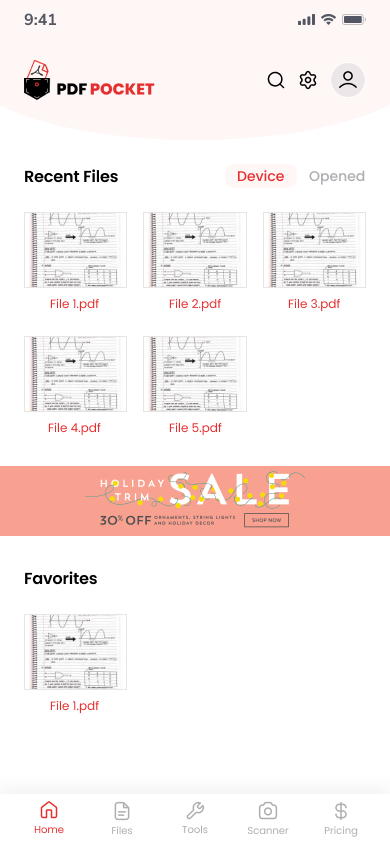
Home
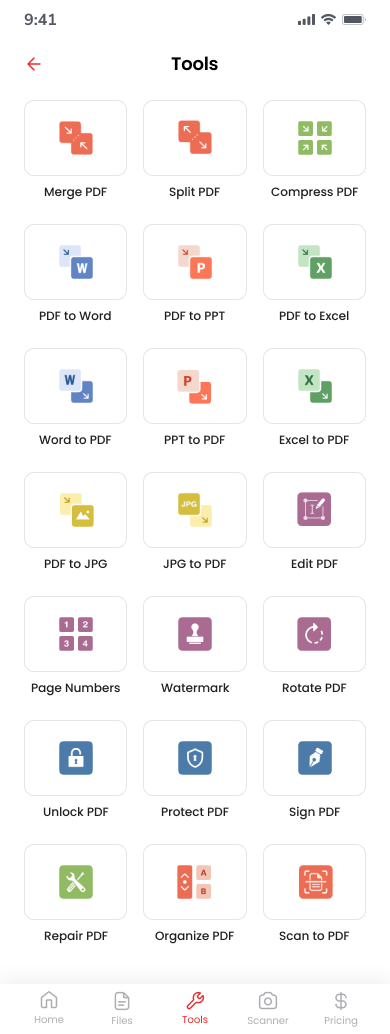
Tools
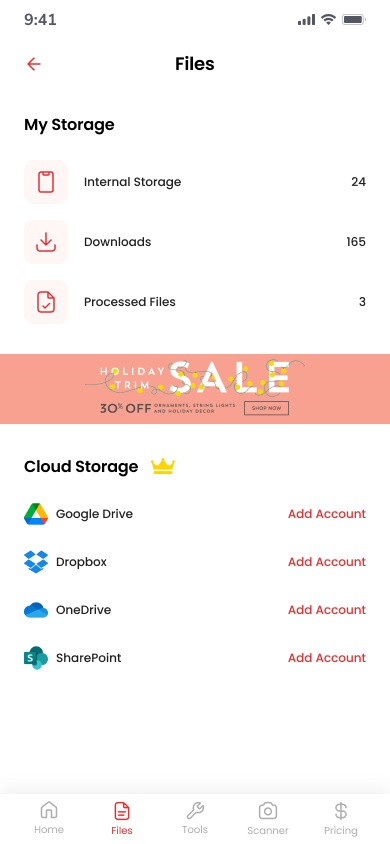
Files
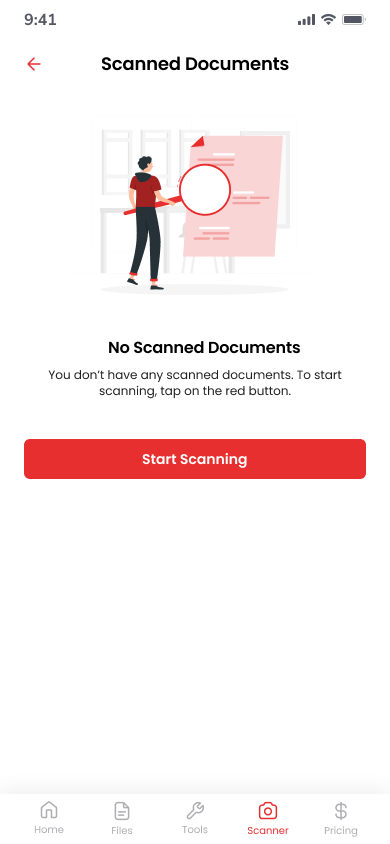
Scanned Docs
Why PDF POCKET
Elegant tools. Private by design.
Built for people who need reliable PDF work without uploading sensitive documents to the cloud.
Local-first privacy
No account. No cloud upload for processing. Your PDFs stay on the device.
21 tools in one app
Merge, split, compress, convert, edit, protect, repair, and scan — from a single toolkit.
Scan on the go
Camera or gallery pages become a clean PDF in seconds with Scan to PDF.
Built for speed
React Native 0.86 with on-device pdf-lib processing and native share/print.
Full toolkit
All 21 tools, ready on your phone

Merge PDF
Organize

Split PDF
Organize

Compress PDF
Organize

Organize PDF
Organize

PDF to Word
Convert

PDF to PPT
Convert

PDF to Excel
Convert

Word to PDF
Convert

PPT to PDF
Convert

Excel to PDF
Convert

PDF to JPG
Convert

JPG to PDF
Convert

Edit PDF
Edit

Page Numbers
Edit

Watermark
Edit

Rotate PDF
Edit

Sign PDF
Edit

Unlock PDF
Secure

Protect PDF
Secure

Repair PDF
Secure

Scan to PDF
Scan
How it works
Three steps from file to finish
Open Tools or Scan
Pick from the 21-tool grid, or tap the center Scan button to capture pages.
Choose your files
Select PDFs from Files, Downloads, or Photos — only when the tool needs them.
Run & finish
Watch progress, then Share or Download. Find results under Files or Scanned Documents.
Use cases
Everyday PDF work, handled
- Combine contracts and proposals with Merge PDF
- Extract pages with Split PDF (every page or ranges)
- Shrink email attachments with Compress PDF
- Turn paper into PDF with Scan to PDF
- Lock sensitive docs with Protect PDF
- Build photo packs with JPG to PDF
Built with
Modern mobile engineering
PDF POCKET is engineered as a production React Native app — the same stack we use for client mobile products.
Privacy & legal
Transparent policies for a local-first app
Read how PDF POCKET handles permissions, on-device storage, and Delete All Data — written for users and store reviewers alike.
Let's talk
Let's Build Your Next Digital Solution.
Share your goals, timelines, and challenges—we'll map out the right team, architecture, and delivery plan to get you there.
